Image Description Generator
Generate clear, accurate image descriptions in seconds with our image description generator.
Input Image
Click, drag or paste file to this area to upload
jpg/png/webp/gif files with a size less than 5Mb
Sample images



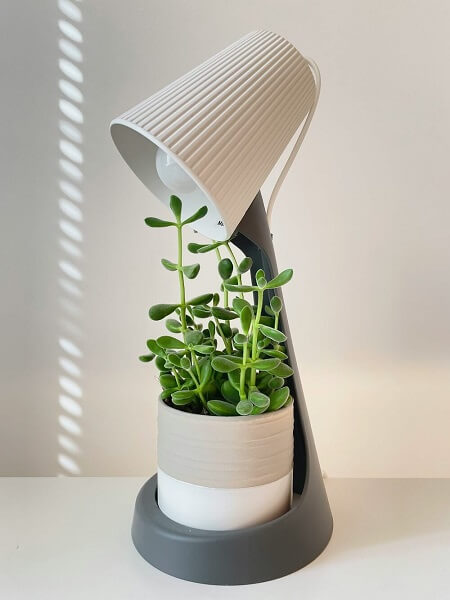





Choose Description Style
Output Language
Generated Image Description
The generated image description will be displayed here after processing is complete.
How to Use the Image Description Generator
Create clear, search-ready copy in three quick steps with the Image Description Generator.
Upload your image
Drag and drop a JPG, PNG, GIF, or WebP to start the Image Description Generator.
Choose your output style
Pick a tone for alt text, summaries, or product descriptions so the results fit your workflow.
Generate and copy
Review the Image Description Generator output, then copy it into your CMS or product listing.
Image Description Generator Features & Typical Uses
Teams rely on the Image Description Generator to turn images into useful, publish-ready text.
Accessibility-ready alt text
Ship inclusive experiences with Image Description Generator text that is clear and concise for screen readers.
Ecommerce product storytelling
Use the Image Description Generator to craft consistent product copy for catalogs, PDPs, and marketplaces.
Social & content captions
Generate captions, summaries, and briefs for blogs, newsletters, and social posts.
Editorial consistency
Keep tone and structure aligned across teams with repeatable description formats.
Localization support
Prepare multilingual drafts quickly, then hand them off to translators or reviewers.
Dataset labeling
Create structured summaries that help organize large image libraries and archives.
Image Description Generator FAQ
What is an Image Description Generator?
An Image Description Generator is an AI tool that analyzes a photo and produces a clear text summary you can use for accessibility, SEO, or content workflows.
What kinds of images work best?
Clear, well-lit photos with a single subject or scene help the Image Description Generator deliver the most precise output.
Can I use the output for SEO?
Yes. The Image Description Generator helps you create alt text, captions, and context that strengthens on-page relevance.
Does it support ecommerce descriptions?
Absolutely. Generate product-focused copy for listings, catalogs, and marketplaces in seconds.
Is the Image Description Generator free?
You can start with free trial credits, then upgrade when you need more Image Description Generator usage.
Which formats are supported?
Upload JPG, PNG, GIF, or WebP files for fast processing.
Can I control tone or style?
Yes. Choose a style for marketing, accessibility, or summaries to match your brand.
Will my images be stored?
Files are processed securely and used only to generate your results.