Director's Video Prompt Generator
Upload an image and generate the perfect script for AI video tools (Runway, Kling, Sora) including camera moves and voiceovers.
Upload Start Frame
Click, drag or paste file to this area to upload
jpg/png/webp/gif files with a size less than 5Mb
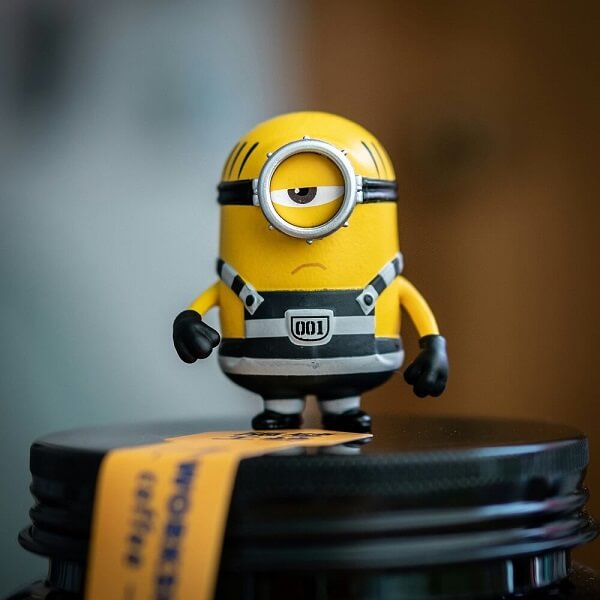
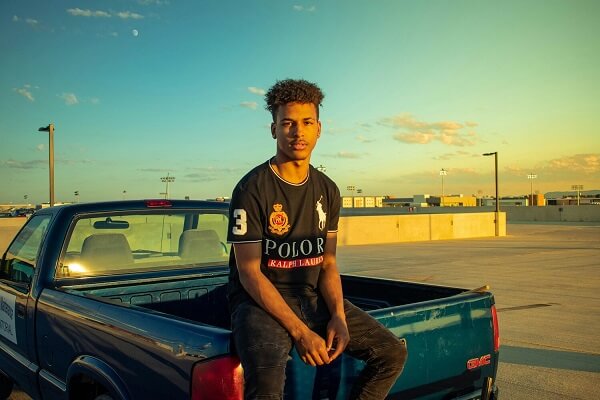
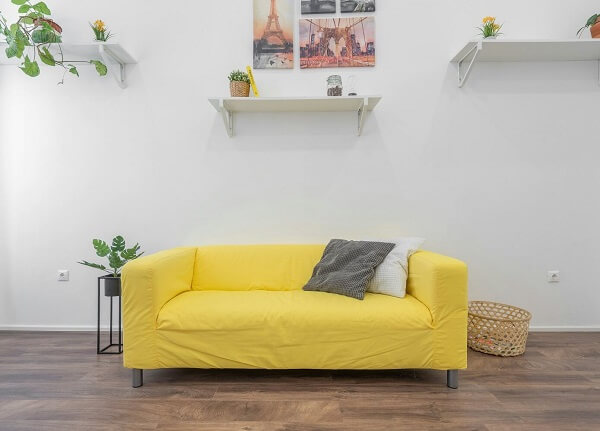
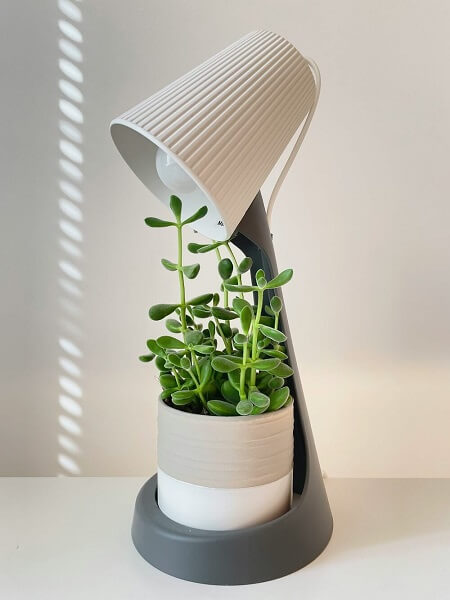
Sample images

Camera Movement
Subject Motion Intensity
Voiceover Style
Director's Note (optional)
Script Language
Storyboard Script
🎬Your AI video prompt and voiceover script will appear here...
Image to Video Prompt & Script Generator
Make your images move. Upload a picture and let our AI generate the perfect image to video prompt for tools like Runway, Kling, or Sora. Describe this image for AI to video with exact camera movements, subject motion, and matched voiceover scripts in seconds.
Why Use Our AI Image to Video Script Generator?
AI Video Tool Optimized Prompts
Stop guessing what works. Our image to video prompt generator writes natural-language cinematic descriptions that generative AI models (Runway, Kling) understand perfectly, ensuring temporal consistency.
Director-Level Camera Control
Direct your AI scene with ease. Choose from cinematic pans, tracking shots, or subtle zooms to control exactly how the AI will animate the image.
Complete Voiceover Scripts
You don't just get a video prompt; you get the full package. Select a tone—from TikTok viral hooks to dramatic documentary voiceovers—to match your newly animated scene perfectly.
Frequently Asked Questions
What is an image to video prompt generator?
It is a specialized AI tool that analyzes a static photo and writes a highly detailed text prompt designed specifically for AI video generators (like Runway Gen-3, Kling, or Luma). It translates visual elements into instructions for motion, lighting, and camera behavior.
How do I describe this image for AI to video generation?
You don't have to do it manually! Simply upload your image, select the camera movement and motion intensity you want, and our tool will output the exact image to video prompt ready to be copied and pasted into your AI video maker.
Which AI video generators are these prompts compatible with?
The generated scripts are written in a descriptive, cinematic language that works universally across major models, including Runway (Gen-2/Gen-3), Kling AI, Luma Dream Machine, Sora, Pika Labs, and Stable Video Diffusion.
What is the difference between a normal image prompt and a video prompt?
A standard image prompt describes a frozen moment. An image to video prompt explicitly commands time and motion—describing camera arcs (e.g., "slow pan to the left"), subject physics (e.g., "hair blowing softly in the wind"), and narrative progression.
Can it generate voiceovers for my AI videos?
Yes! If you select a Voiceover Tone (like TikTok, Cinematic, or Documentary), the generator will write a short, engaging script tailored to the mood of the matched video prompt, perfect for speech tools like ElevenLabs or CapCut.
How much "motion" should I ask the AI video generator to add?
For the best and least distorted results with current AI video tech, we recommend setting "Subject Motion" to "Subtle" (e.g., breathing, blinking, micro-expressions). High-motion prompts can sometimes cause the AI to warp the original image.
Will this work with Midjourney generated images?
Absolutely. In fact, taking a highly detailed Midjourney character or landscape and running it through our image to video script generator is the perfect workflow to create visually stunning AI short films.
Is it free to generate video scripts from images?
Yes! Guest users can use the tool for free with a limited number of trial credits. Create a free account to unlock more credits and access all advanced directorial features.